Workflow / AI background removal vs green screen
AI video background removal vs. green screen
Compare AI background removal and chroma keying by setup time, edge quality, motion, cost, control, and production scale.
The useful answer
Choose AI for speed, remote footage, and people-focused automation. Choose green screen for repeatable studio work, props, complex foregrounds, and maximum manual control.
Remove a video backgroundDecision map
From source clip to useful output
Define the destination
Decide where “AI background removal vs green screen” must work before choosing a format or background.
Protect the moving edge
Review hair, hands, motion blur, and every place the subject crosses another object.
Test the real delivery
Open the result in the actual browser, editor, presentation, or social workflow.
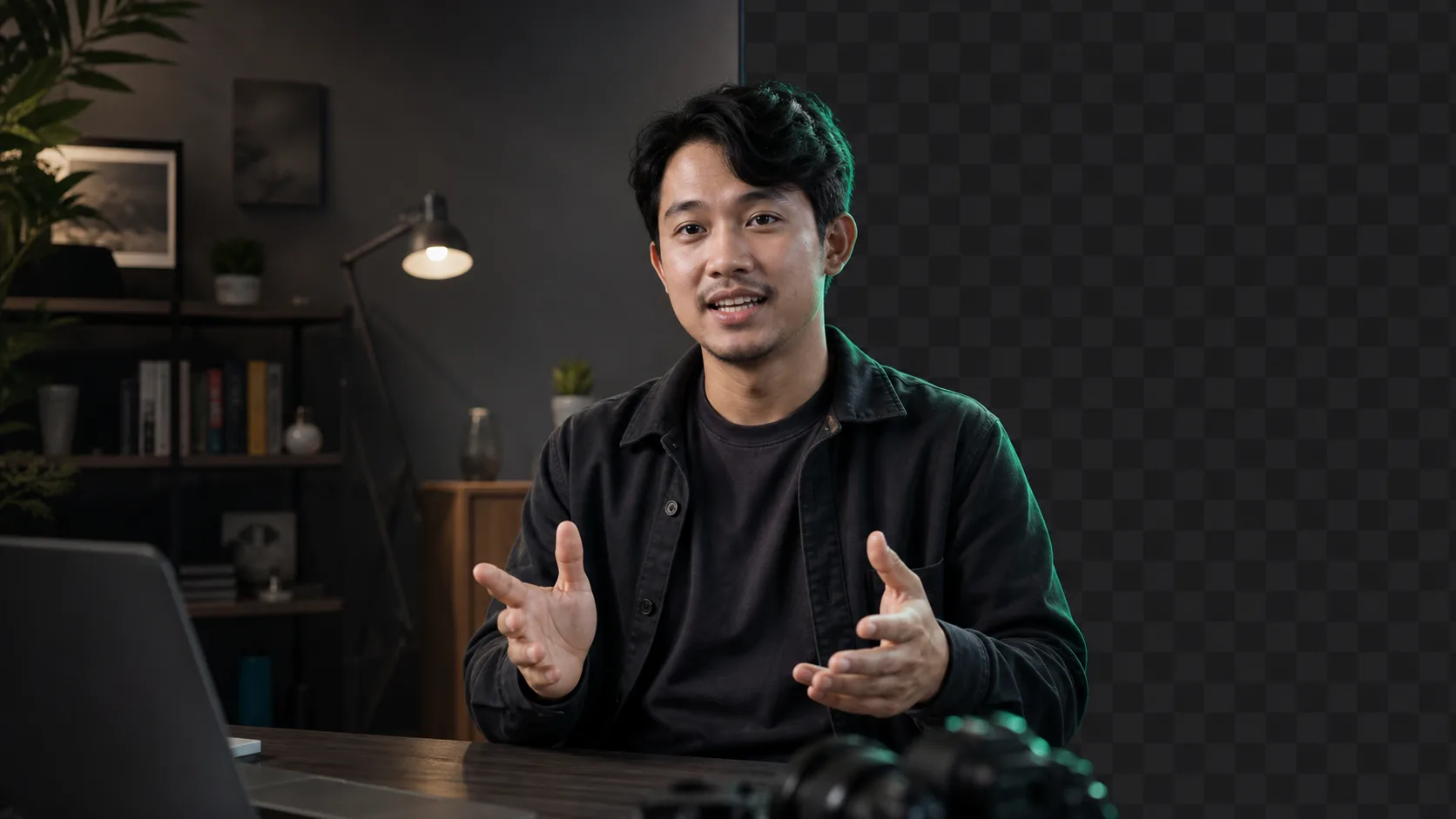
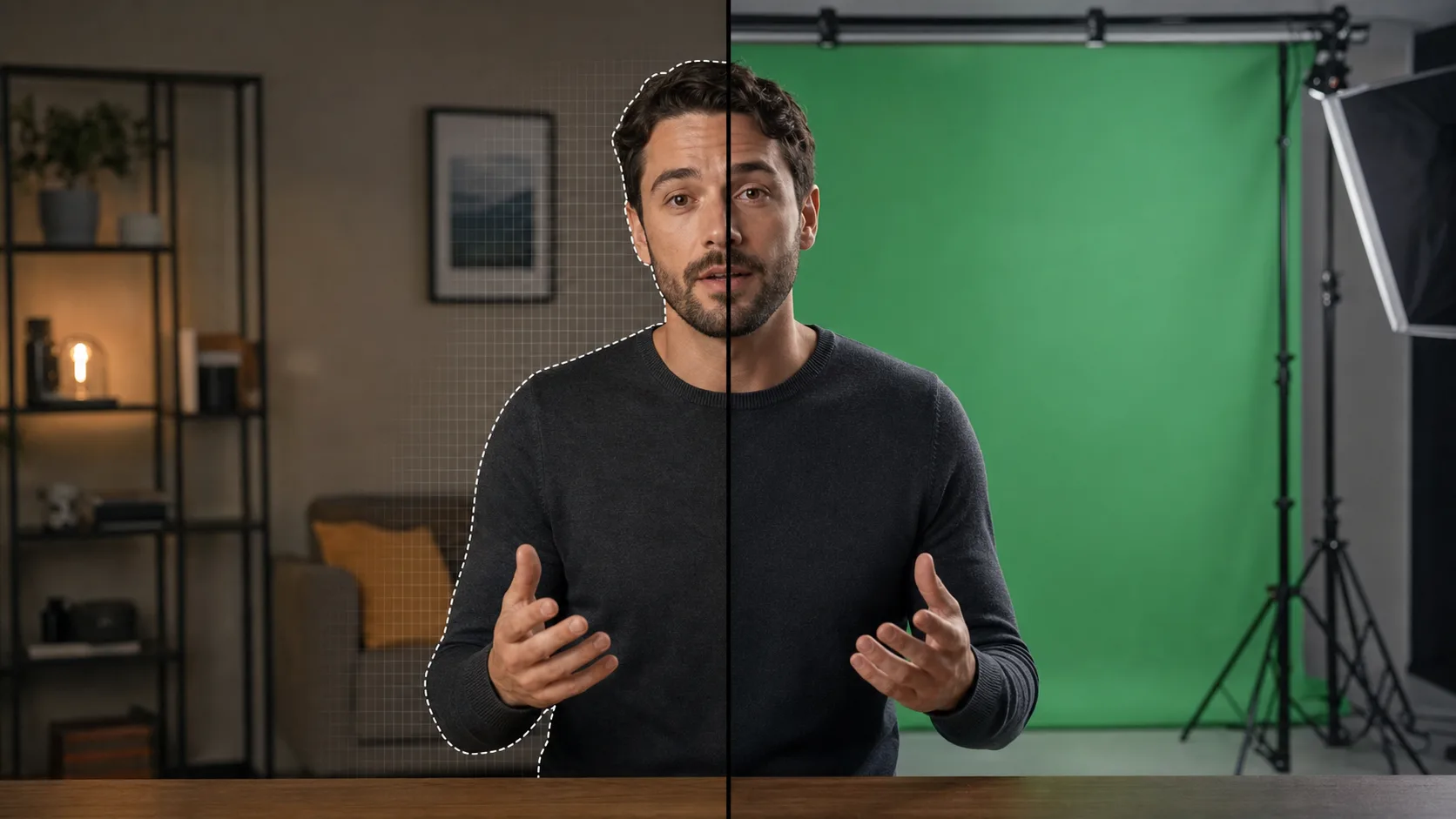
AI background removal and green screen solve the same visible problem in different ways. AI identifies the subject. Chroma keying removes a selected colour. One reduces setup; the other increases control.
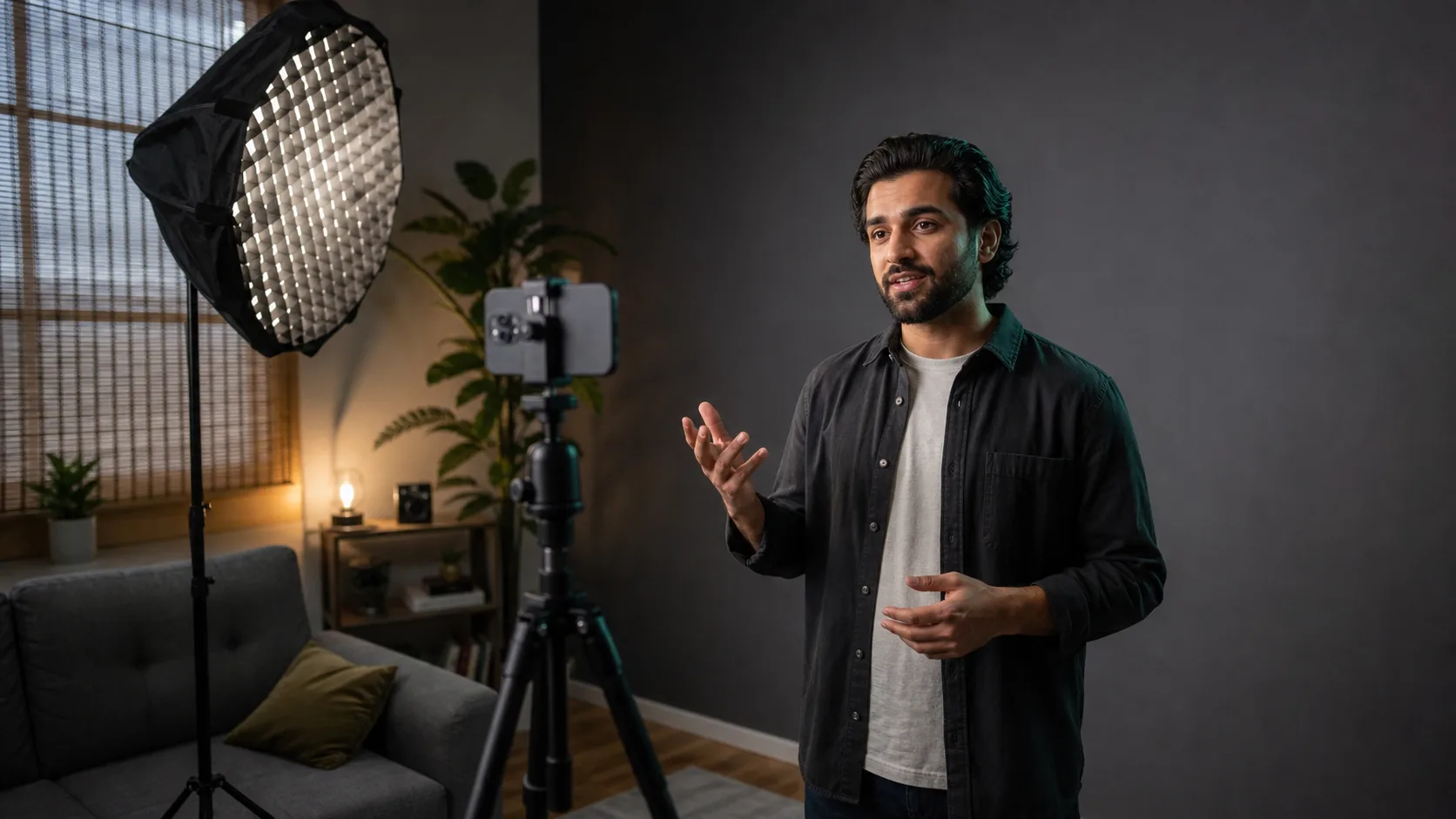
Neither is automatically more professional. A rushed green-screen shoot can produce green spill, wrinkles, and uneven keys. A well-lit ordinary room can produce an excellent AI cut-out. Start with the production constraints, not the technique's reputation.
Where AI background removal wins
- Remote and distributed recording, where every speaker has a different room.
- Fast creator workflows that cannot justify setting and lighting a screen for each clip.
- Existing footage that was never intended for compositing.
- Automated pipelines processing many short videos through an API.
- People-focused clips where the desired foreground is primarily one visible person.
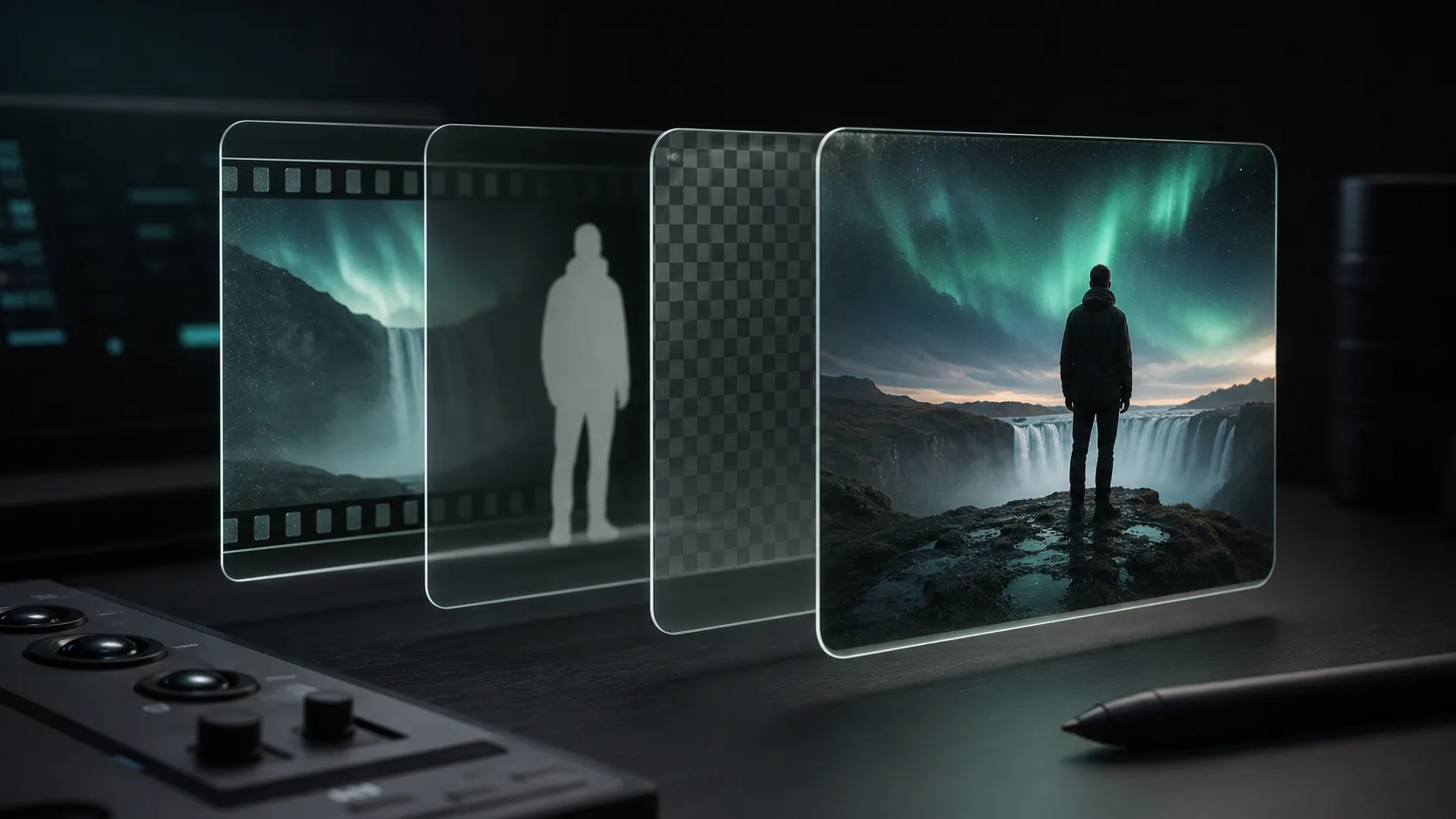
The biggest advantage is optionality. You can record now and choose the background later. That is valuable for support videos, personalized sales messages, online lessons, and template-driven social content. The same cut-out can be placed over several branded scenes without reshooting.
Where green screen wins
- Controlled studios producing the same format every day.
- Scenes where furniture, products, props, and several people must all remain in the foreground.
- High-end composites that will receive manual edge work and colour spill correction.
- Wardrobe or movement that confuses person-focused segmentation.
- Long takes where temporal consistency matters more than fast setup.
A well-shot screen gives the compositor a predictable colour signal across every frame. It also lets the team decide exactly which objects remain. That control is difficult for an automated people-first model when a presenter picks up a transparent object, sits behind a desk, or walks beside a prop that should travel into the new scene.
Quality is a production question
Green screen is not automatically cleaner around hair. Uneven lighting and green spill can contaminate the edge. AI is not automatically unstable. Clear, well-lit talking-head footage can remain consistent through normal gestures. Both workflows struggle with motion blur, transparent materials, reflections, and details that resemble the background.
Setup time and cost
AI moves cost from the shoot to processing. You need fewer physical materials and less room preparation, but you spend compute time and may need a quality review. Green screen moves cost toward the shoot: screen, stands, floor space, separate background lighting, and an operator who can expose it consistently. Once a studio is built, repeated green-screen work becomes much more efficient.
- 01
One person, one clip, an ordinary room
Start with AI. The avoided setup is usually more valuable than the extra edge control.
- 02
A repeatable studio series
Price the screen and lighting once, then compare the per-episode keying work with automated processing.
- 03
Multiple foreground objects
Lean toward green screen or plan a manual matte workflow so the editor decides what stays.
- 04
Hundreds of personalized videos
Lean toward an API-driven AI pipeline, then sample results and route difficult clips for review.
A hybrid workflow is often the best one
You can use AI to create a first matte, then refine difficult frames in a compositor. You can also shoot against a plain neutral wall rather than a formal green screen, giving the model better separation without the spill and setup of chroma keying. For studio footage, an AI matte can provide a useful second opinion around hair while the colour key controls props and furniture.
Decision checklist
- Use AI if you cannot control the recording location.
- Use AI if speed to first result matters more than frame-level control.
- Use green screen if the foreground includes more than a clearly visible person.
- Use green screen if you already have a permanent, evenly lit studio.
- Use a hybrid if the project is valuable enough to refine an automated matte.
- Whichever you choose, export for the destination rather than treating transparency as the final goal.
Sources and further reading
Quality gate
Three surfaces reveal different edge problems
Light background
Look for dark contamination, clipped hair, and hard matte boundaries.
Dark background
Look for pale halos, spill, and semitransparent noise around motion.
Final destination
Confirm playback, dimensions, compression, and transparency where viewers will see it.
Try it on a difficult ten seconds
Upload a clip with hair movement and a hand gesture. Backdrop gives you the first 30 seconds free, so you can judge the cut-out before committing the full video.
Remove a video background