Comparisons / best AI video background remover
Best AI video background removers: how to run a fair quality test
Compare video background removers honestly with the same source clips, output destinations, edge tests, timing method, pricing basis, and review criteria.
The useful answer
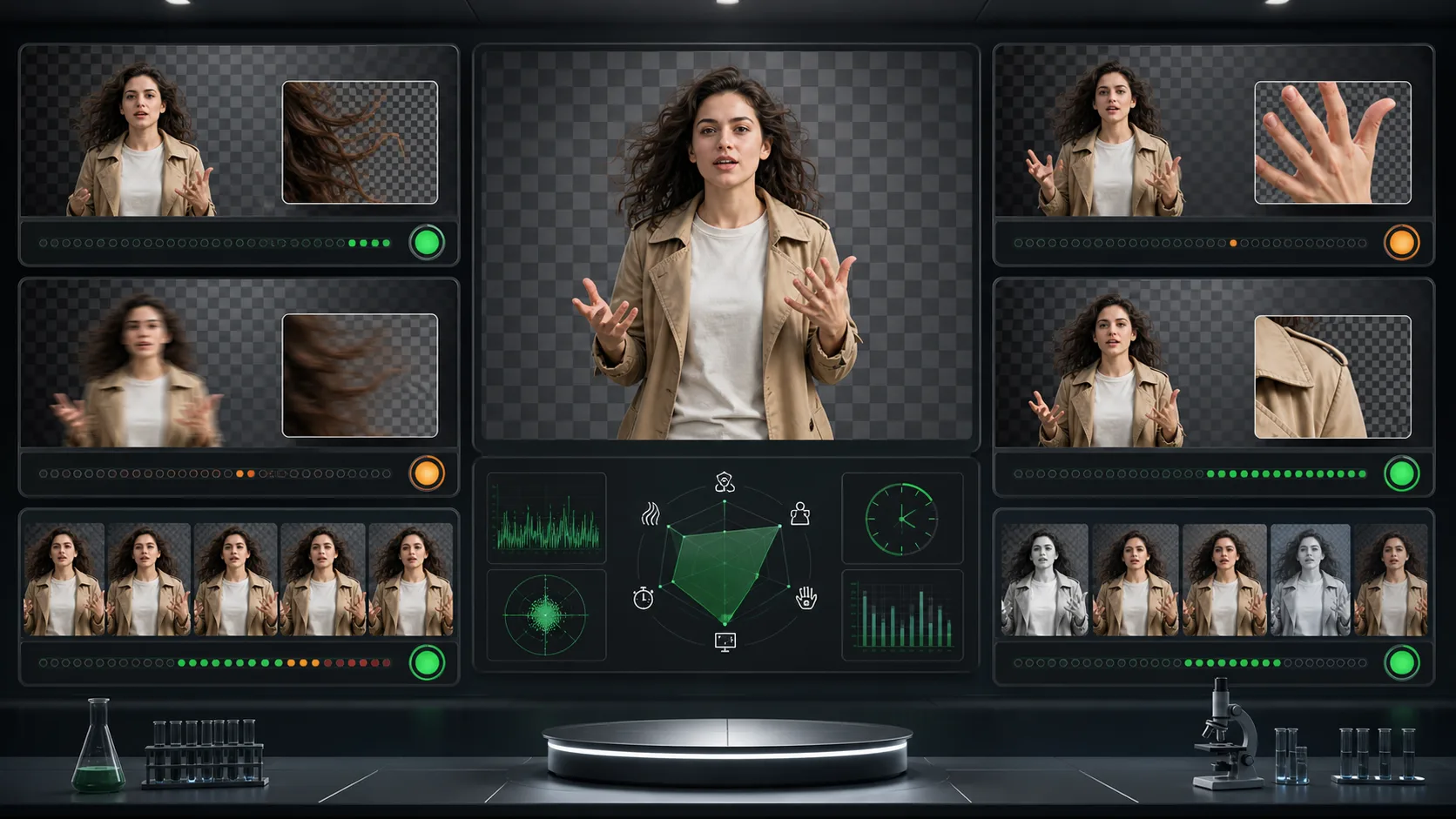
The best remover is the one that preserves the details your footage contains, produces the format your destination needs, and fits your volume. Test identical clips and disclose every setting before ranking anything.
Include Backdrop in the testDecision map
From source clip to useful output
Define the destination
Decide where “best AI video background remover” must work before choosing a format or background.
Protect the moving edge
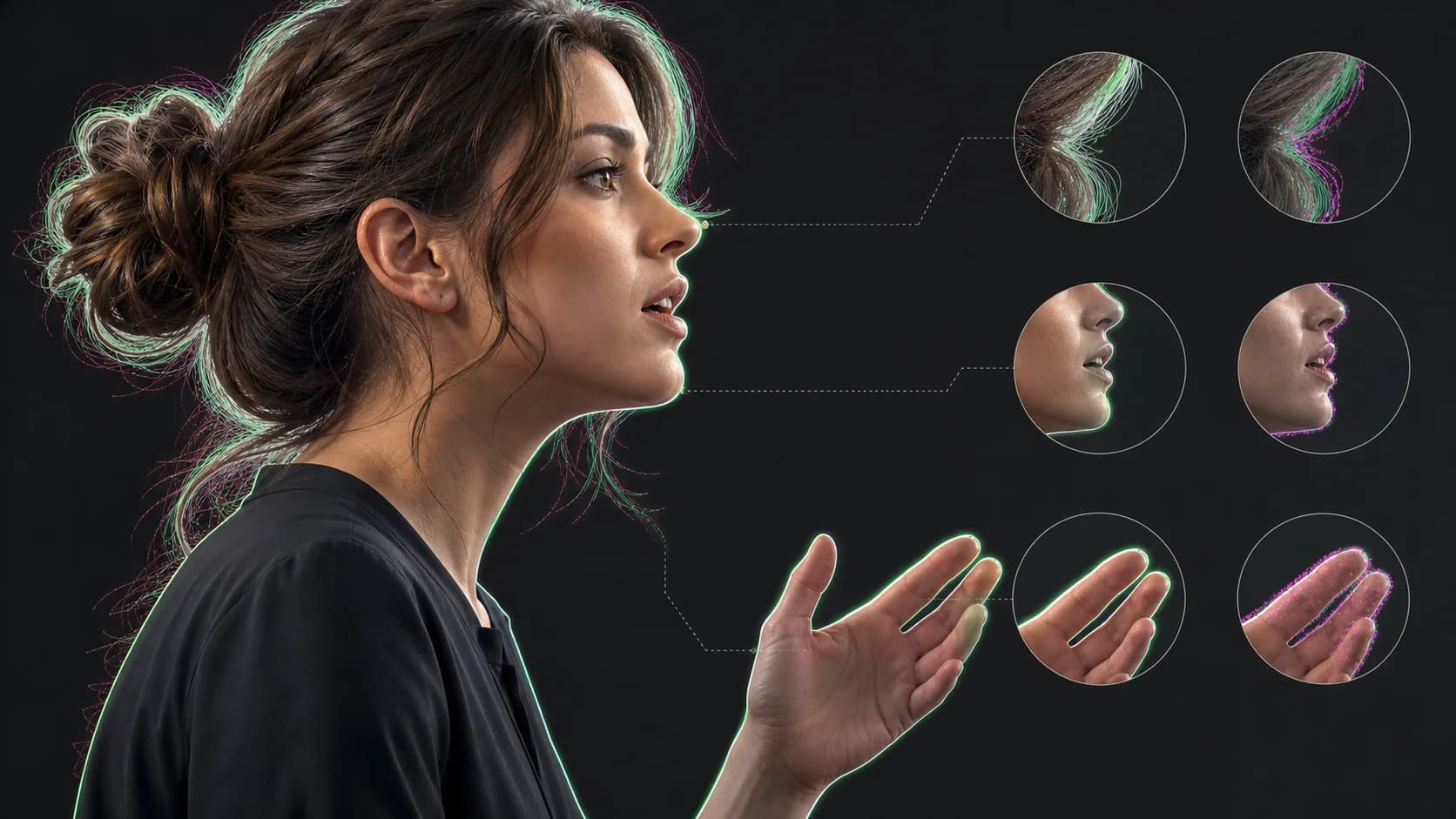
Review hair, hands, motion blur, and every place the subject crosses another object.
Test the real delivery
Open the result in the actual browser, editor, presentation, or social workflow.
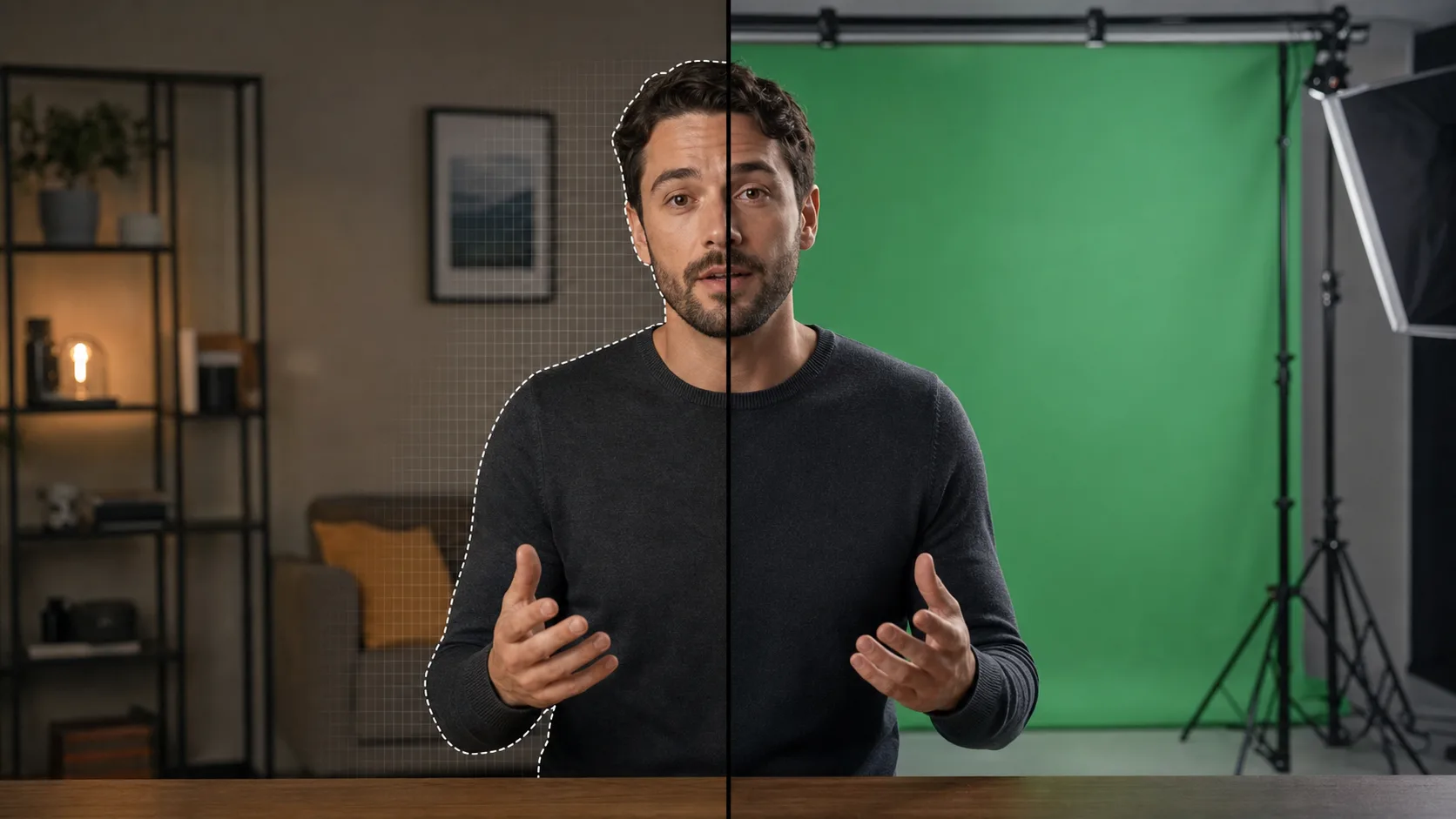
Background-removal comparisons are easy to manipulate. One tool receives a clean studio clip, another receives compressed footage, and screenshots hide the flicker that appears during motion. A useful test publishes the sources, settings, outputs, timing rules, and scoring method.
Build a representative test set
- Clean talking head with even light
- Loose or curly hair against a similar background
- Fast hands and visible motion blur
- Dark clothing crossing a dark chair or wall
- A prop that should remain with the person
- Vertical phone footage with realistic compression
Keep every input identical
Upload the same source bytes to every service. Do not re-encode between tests. Use default automatic settings for the first pass, then document any manual correction separately. Test the maximum comparable resolution and disclose when a plan or file limit prevents an equivalent run.
Score motion, not just thumbnails
- 01
Hair detail
Check whether fine strands remain natural over light and dark backgrounds.
- 02
Hand integrity
Inspect fingers during fast gestures and when hands cross the torso.
- 03
Temporal stability
Play at normal speed and look for crawling, popping, or delayed edges.
- 04
Foreground decisions
Record whether props, chairs, and secondary people are kept or removed.
- 05
Edge contamination
Check pale and dark halos on several background colors.
- 06
Output usefulness
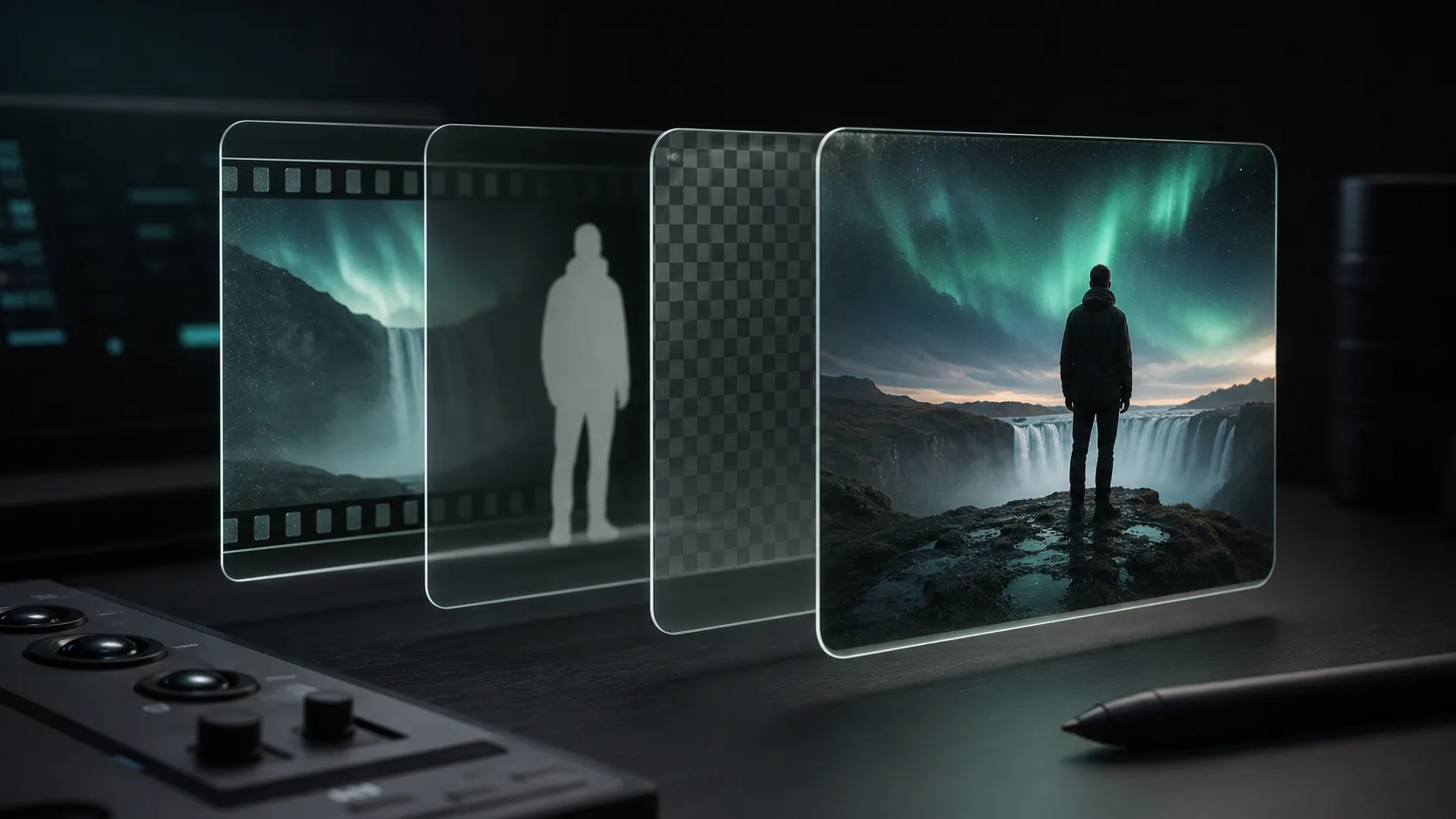
Verify resolution, audio, transparency, matte options, and destination compatibility.
Measure time and price consistently
Separate hands-on time, upload time, queue time, processing time, and download time. Price the same finished minute at the same resolution and include required subscriptions, credits, exports, or watermarks. For teams, also record batch support, API access, retention, permissions, and failure refunds.
Publish evidence with the conclusion
- Original downloadable test clips or unambiguous frame samples when rights permit
- Full moving outputs, not only selected stills
- Date, plan, settings, resolution, and browser or application used
- A disclosed scoring rubric and raw observations
- Known conflicts of interest and which product operates the article publisher
Choose by workflow, not one winner
A creator may value one-click composition and templates. An editor may need a high-quality matte. A developer may need signed uploads, webhooks, stable job state, and predictable billing. A studio may still get better control from chroma keying. Rank results by use case instead of forcing every buyer into one overall score.
Sources and further reading
Frequently asked questions
Which AI video background remover is best?
There is no honest universal winner. Test the same clips and choose according to edge quality, motion stability, output formats, workflow, volume, and price for your use case.
What is the hardest footage for background removal?
Loose hair, fast blurred hands, low contrast, reflective or transparent objects, props, multiple people, and heavily compressed video expose the most useful differences.
Can I compare tools using screenshots?
Screenshots are insufficient because temporal flicker and edge popping appear during playback. Publish moving outputs and inspect them over multiple backgrounds.
Quality gate
Three surfaces reveal different edge problems
Light background
Look for dark contamination, clipped hair, and hard matte boundaries.
Dark background
Look for pale halos, spill, and semitransparent noise around motion.
Final destination
Confirm playback, dimensions, compression, and transparency where viewers will see it.
Run the same difficult clip everywhere
Start with a ten-second fixture containing hair, hands, and motion. Keep the settings and destination identical.
Include Backdrop in the test