Developers / transparent video web pipeline
How to build a transparent video pipeline for the web
Create a production pipeline for alpha video with source masters, VP9 WebM delivery, posters, fallbacks, responsive sizing, performance budgets, and browser testing.
The useful answer
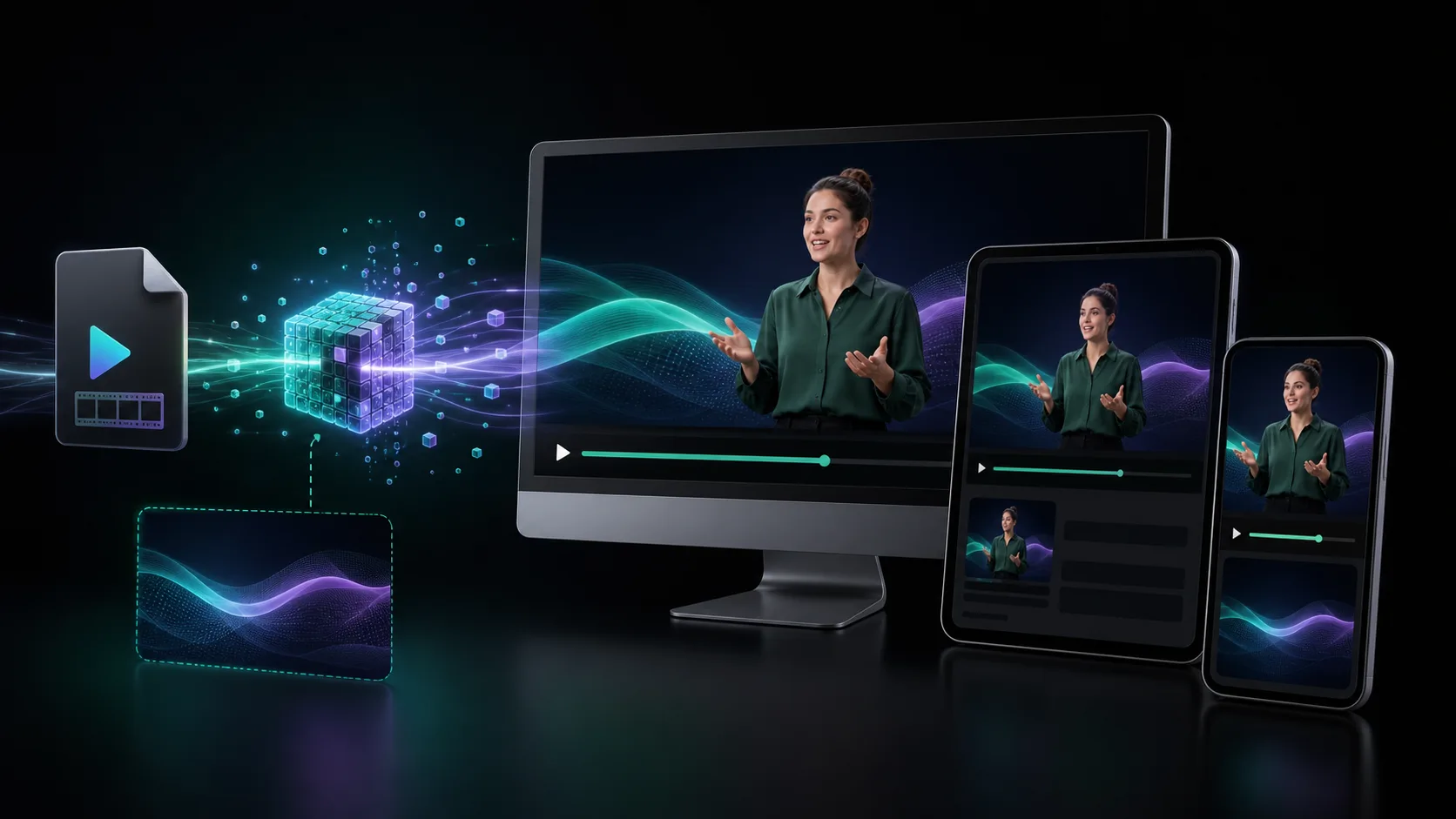
Preserve a high-quality source and matte, create a cropped VP9 WebM for tested browsers, generate a poster and opaque fallback, then load only the size and motion each viewport can justify.
Create a web-ready sourceDecision map
From source clip to useful output
Define the destination
Decide where “transparent video web pipeline” must work before choosing a format or background.
Protect the moving edge
Review hair, hands, motion blur, and every place the subject crosses another object.
Test the real delivery
Open the result in the actual browser, editor, presentation, or social workflow.
A transparent video pipeline should be reproducible. If the only master is the compressed WebM copied onto production, every later crop, color correction, and fallback becomes a generation-loss problem. Preserve the ingredients, then derive web artifacts.
Define the artifact set
- Original or high-quality color master
- Alpha-capable master or separate grayscale matte
- Cropped VP9 WebM with alpha for tested browser delivery
- Opaque MP4 with the approved background when universal playback matters
- Poster image or static transparent cutout
- Captions or transcript when speech carries meaning
Crop before encoding
Transparent pixels still occupy the encoded frame and decoder. Crop the canvas close to the subject's movement envelope, then encode near the largest displayed size. Create separate mobile art direction when the desktop composition would waste pixels or cover content on a phone.
Use progressive enhancement
- 01
Render the complete static page
The message and action must work without video.
- 02
Show a poster immediately
Reserve dimensions and avoid an empty or shifting stage.
- 03
Load the alpha asset when useful
Use metadata preload or viewport-based loading for below-fold media.
- 04
Swap to an opaque fallback when required
Use a rendered-background video for destinations where alpha is unsupported or untested.
- 05
Honor preferences
Pause or remove non-essential motion for reduced-motion and constrained-data experiences.
Keep the HTML boring
<video
  muted
  playsinline
  loop
  preload="metadata"
  poster="/presenter-poster.webp"
  width="720"
  height="900"
>
  <source src="/presenter-alpha.webm" type="video/webm" />
</video>
Use explicit dimensions or a stable aspect ratio. Muted and playsinline support non-disruptive playback. Add autoplay only when the motion is appropriate and provide controls for meaningful media. A source element failing to decode should leave the poster or static page intact.
Set a media performance budget
- Maximum bytes for the first viewport on mobile
- Maximum decoded dimensions for each breakpoint
- Maximum number of simultaneous playing videos
- Target time until poster and first useful frame
- Allowed impact on interaction responsiveness and battery use
Test a real support matrix
Test alpha rendering, not merely playback, on the browsers and devices your analytics show. Include Safari and at least one mid-range phone. Verify poster behavior, layout stability, reduced motion, stalled downloads, page navigation, background-tab playback, and the case where JavaScript never runs.
Sources and further reading
Frequently asked questions
Should WebM be my transparent-video master file?
No. Keep a higher-quality color master plus alpha or matte, then derive the cropped WebM and other delivery formats from those sources.
How do I reduce transparent video file size?
Trim duration, crop empty transparent pixels, reduce dimensions to the rendered size, lower unnecessary frame rate, and avoid loading several videos simultaneously.
How do I support browsers with unreliable alpha playback?
Build a complete static state and provide a poster, static cutout, or opaque video with the intended background already rendered.
Quality gate
Three surfaces reveal different edge problems
Light background
Look for dark contamination, clipped hair, and hard matte boundaries.
Dark background
Look for pale halos, spill, and semitransparent noise around motion.
Final destination
Confirm playback, dimensions, compression, and transparency where viewers will see it.
Create the alpha source once
Use transparent output or a matte as the reversible source for WebM, posters, mobile crops, and opaque fallbacks.
Create a web-ready source