Creators / UGC ad variations
How to create multiple UGC ad variations from one video
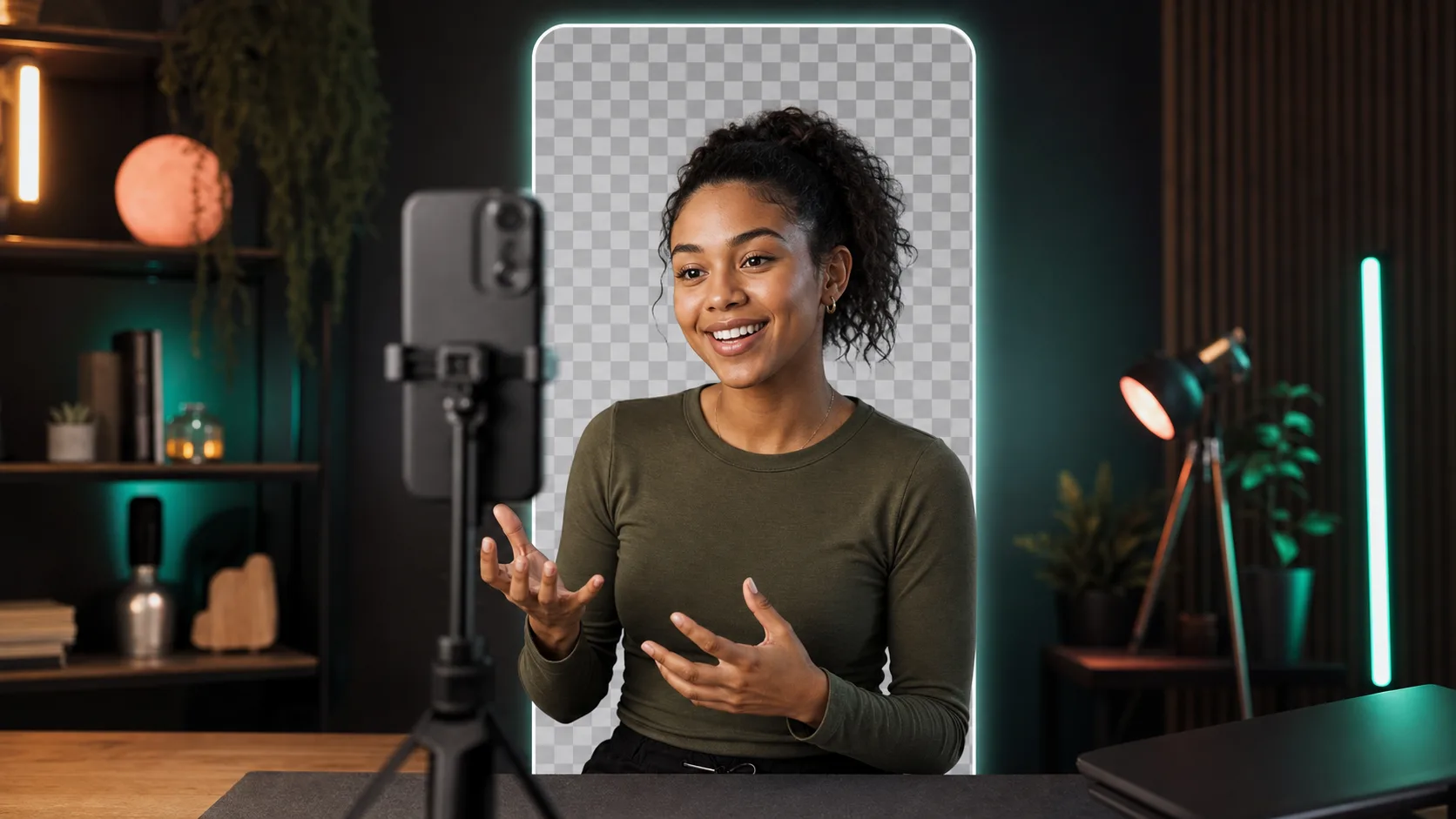
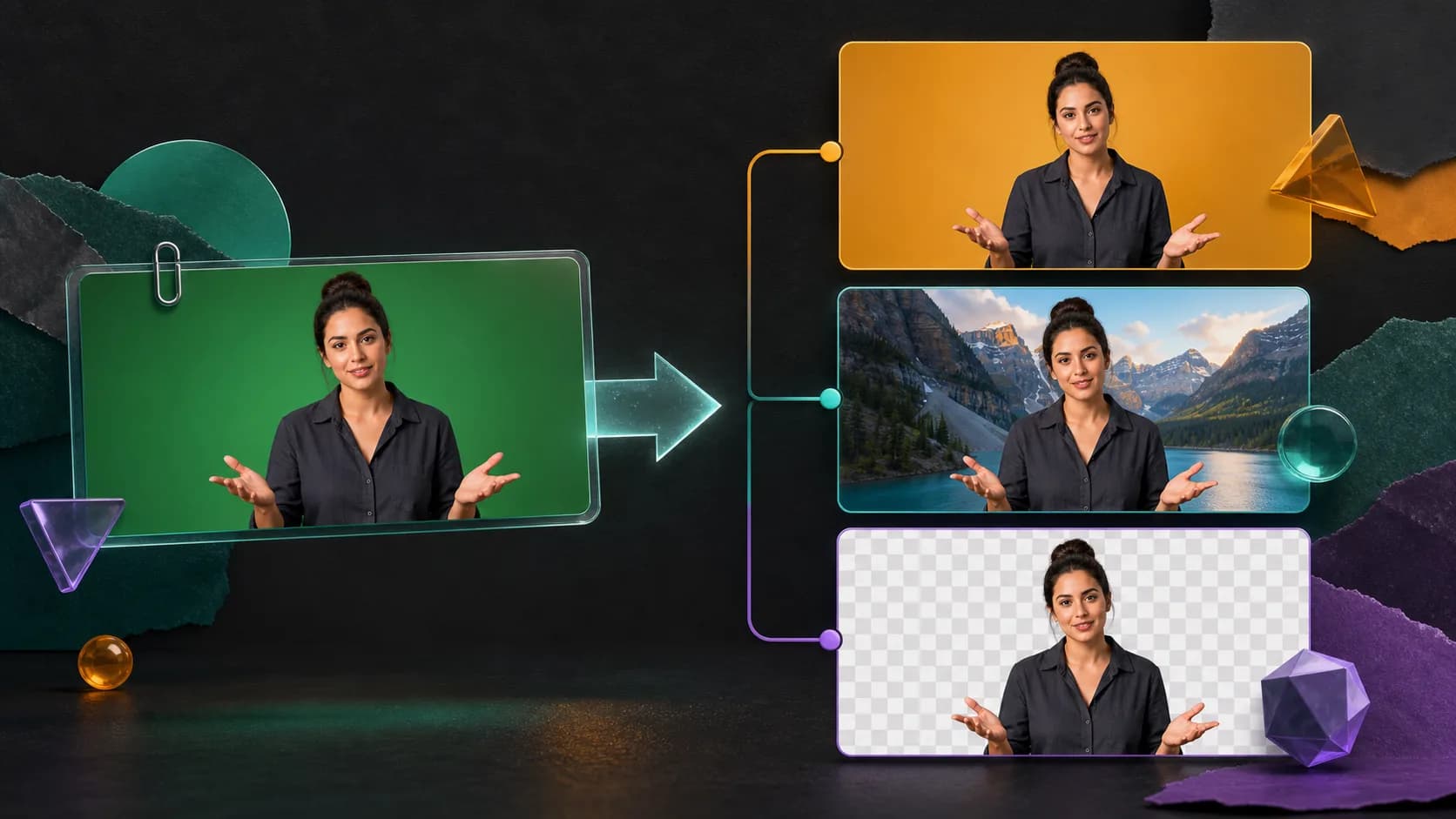
Turn one clear creator recording into multiple ad compositions by separating the presenter from the room and changing hooks, backgrounds, products, and formats.
The useful answer
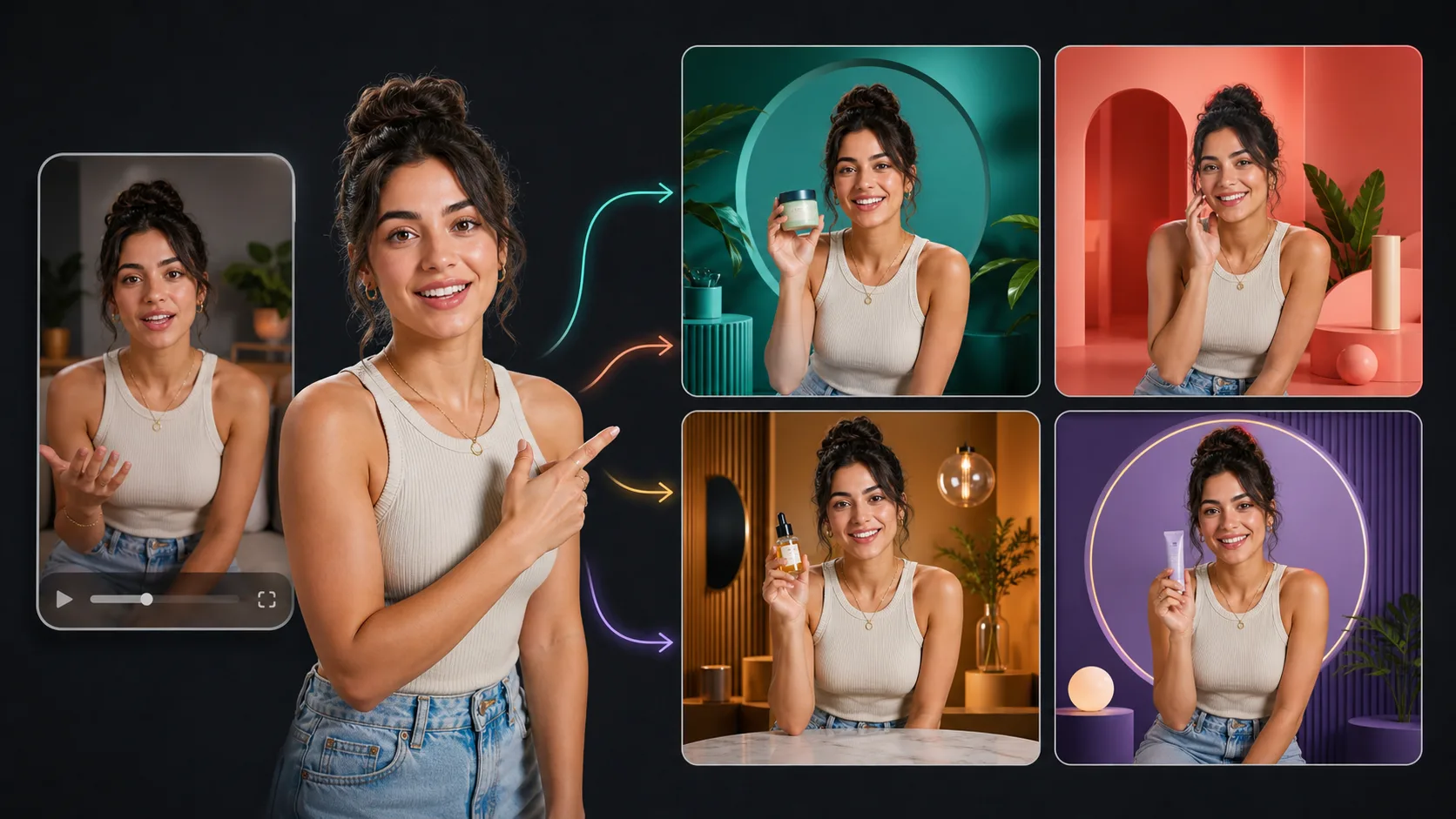
Record a neutral, high-quality performance, preserve a clean cutout, and create variations that change one meaningful variable at a time: hook, proof, background, product context, or call to action.
Create a reusable UGC cutoutDecision map
From source clip to useful output
Define the destination
Decide where “UGC ad variations” must work before choosing a format or background.
Protect the moving edge
Review hair, hands, motion blur, and every place the subject crosses another object.
Test the real delivery
Open the result in the actual browser, editor, presentation, or social workflow.
UGC production often becomes expensive because every new background or product context triggers another shoot. Separating the creator from the original room lets a team reuse the strongest performance while testing new visual settings, product demonstrations, and placements.
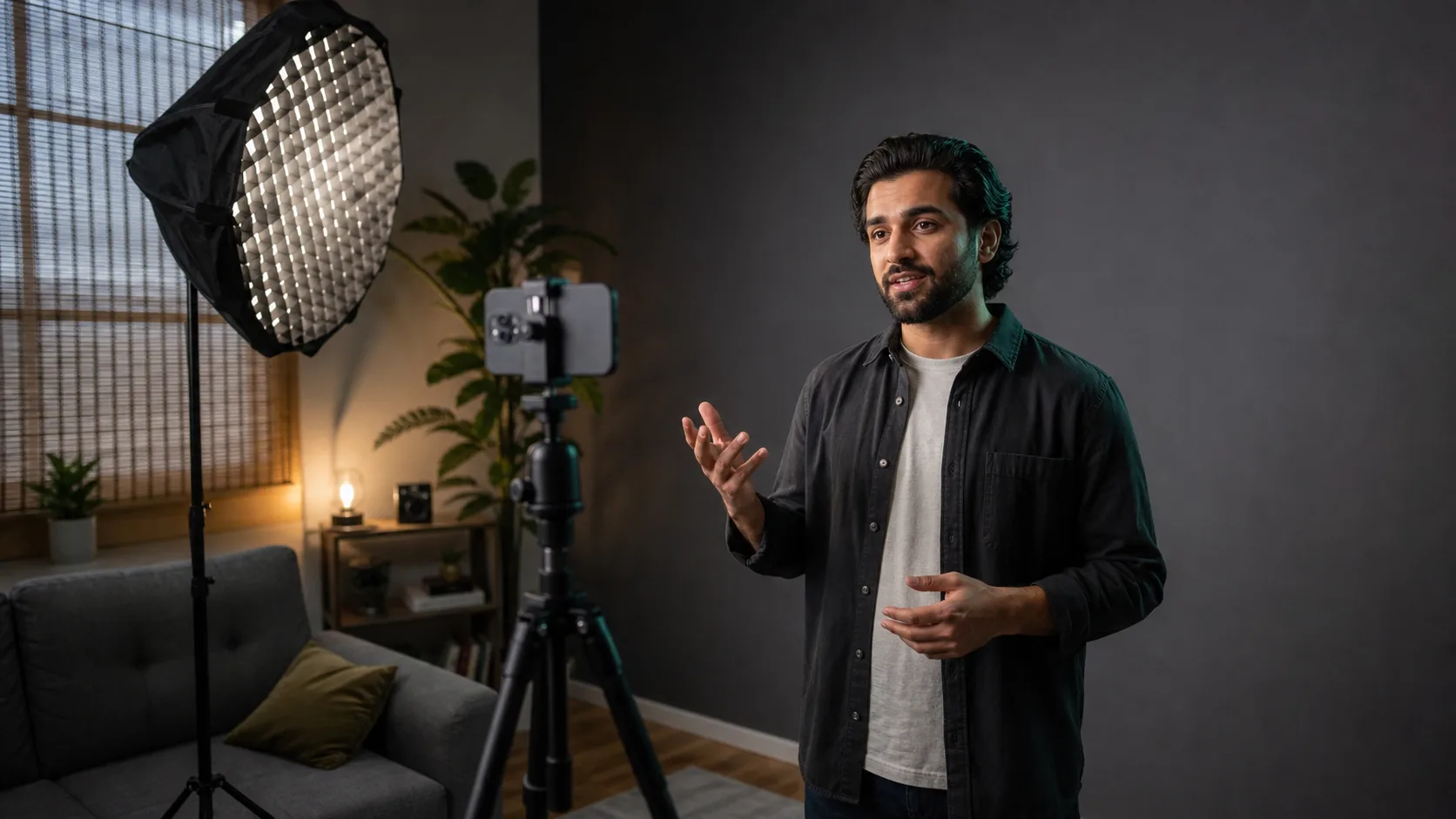
Record a reusable source
- Use neutral wardrobe without visible third-party logos or tiny high-contrast patterns.
- Keep gestures inside a marked area and leave room for alternate crops.
- Record clean versions of hooks, proof points, objections, and calls to action.
- Keep the delivery natural; flexibility is not a reason to sound generic.
Separate performance from composition
- 01
Select the strongest take
Choose for credibility and delivery before thinking about the background.
- 02
Create the clean cutout
Remove the room once and preserve a transparent master or alpha matte.
- 03
Build an approved background kit
Prepare brand fields, product footage, screenshots, testimonials, and contextual scenes.
- 04
Create one-variable variations
Change the hook, proof, background, or CTA separately so results teach you something.
- 05
Render platform-specific outputs
Adapt crop, caption position, duration, and safe areas for each placement.
Variation ideas that change meaning
- Problem-first: place the creator beside the frustrating status quo.
- Product-first: put a demonstration or screen recording behind the explanation.
- Proof-first: pair the creator with a testimonial, metric, or visible result.
- Context-first: show the same claim in home, travel, work, or creator settings.
- Offer-first: preserve the performance while changing the final price, bundle, or deadline panel.
Keep the composite honest
Do not imply the creator used a product in a place or situation that never occurred. Disclose sponsorship where required and secure usage rights for the performance, voice, likeness, product footage, and replacement backgrounds. Versioning should improve the communication, not manufacture false experience.
Measure the right creative variable
If you change the speaker crop, hook, soundtrack, background, captions, and offer at once, performance data cannot explain what helped. Create a naming system that records source take, hook, background, aspect ratio, and CTA. Compare meaningful outcomes such as hold rate, click-through, and conversion, not merely which thumbnail looks more polished.
Archive the reusable pieces
- Original camera file and audio
- Transparent master or alpha matte
- Approved hook and CTA takes
- Background and product asset kit
- Caption file and safe-area templates
- Usage-rights documentation and expiry dates
Sources and further reading
Frequently asked questions
Can one UGC recording become several ads?
Yes. Preserve a clean creator cutout and combine it with different hooks, demonstrations, proof, backgrounds, crops, and calls to action.
How many things should change between ad variations?
Change one major creative variable at a time when you want interpretable test results. Larger concept tests can change several coordinated elements when they represent a genuinely different idea.
Do replacement backgrounds affect disclosure requirements?
They do not remove sponsorship or endorsement obligations. Disclose material relationships and avoid creating a false impression about the creator's experience or location.
Quality gate
Three surfaces reveal different edge problems
Light background
Look for dark contamination, clipped hair, and hard matte boundaries.
Dark background
Look for pale halos, spill, and semitransparent noise around motion.
Final destination
Confirm playback, dimensions, compression, and transparency where viewers will see it.
Reuse the performance, not the original room
Create one clean creator cutout and place it into a controlled set of meaningful ad variations.
Create a reusable UGC cutout